Why Redemption Fails More Often Than People Expect
Most Google Play gift card problems do not happen because the code is fake or defective. Instead, they usually appear at the moment of redemption.
Many people treat redemption as the final success step. You enter the code, the balance appears, and everything should work after that. However, Google Play does not treat redemption as a final transaction. Rather, it treats it as a permission step that checks whether the account meets certain conditions before adding value.
That difference matters.
Google Play does not operate like a normal wallet system. Instead, it works as controlled store credit inside Google’s ecosystem, which means the balance follows platform rules rather than moving freely like cash. Once you see redemption as an entry into that system instead of a free transfer of money, most “random” failures begin to make sense.
What Redemption Actually Does Inside Google Play
Redemption performs one clear action. It converts a valid gift card code into Google Play balance inside a specific Google account.
It does not promise that the balance will work for every purchase. It does not guarantee that all subscriptions will accept it. It does not override regional or policy restrictions.
There are three separate stages involved, and they are not the same event:
- A gift card code that has not been redeemed
- A successful redemption that adds balance
- A purchase attempt that checks whether the balance is eligible for that item
Many issues begin because these stages are mentally combined into one single step. In practice, they are handled separately by the system.
Mistake 1: Redeeming a Gift Card in the Wrong Region
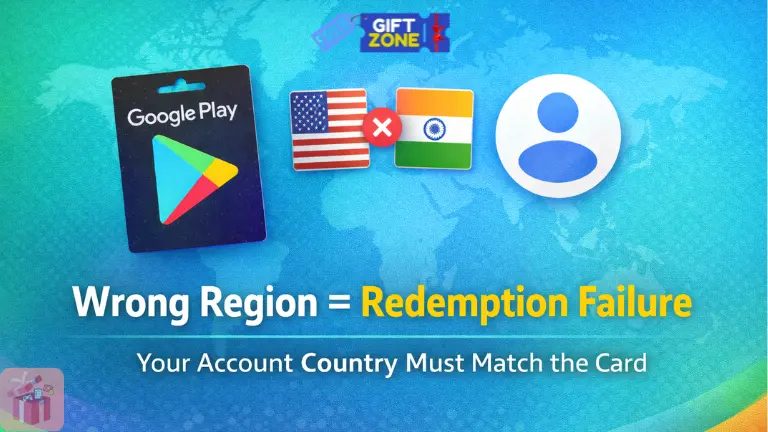
Why Region Matching Is Strict
A Google Play gift card remains tied to the country where it was issued.
When you attempt redemption, the system checks whether your Google account region matches the card region. If the regions do not match, redemption fails. The card stays unused, but the balance is not added.
Nothing is consumed. At the same time, nothing moves forward.
This is not a glitch. It is a policy restriction built into the platform.
What People Commonly Assume
You might assume that traveling to another country, using a VPN, or temporarily changing your device location will adjust the account region automatically. That assumption usually fails because Google determines region using longer-term account signals, payment profiles, and store configuration settings.
In other words, short-term location changes do not redefine the account’s store identity.
This misunderstanding alone accounts for a large share of redemption failures.
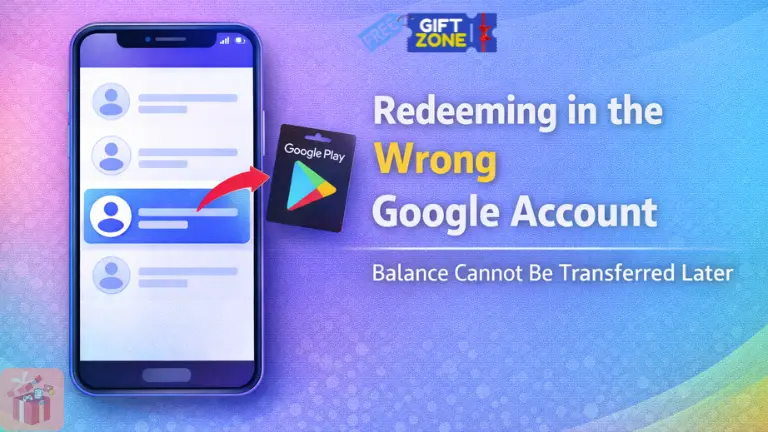
Mistake 2: Redeeming the Card in the Wrong Google Account
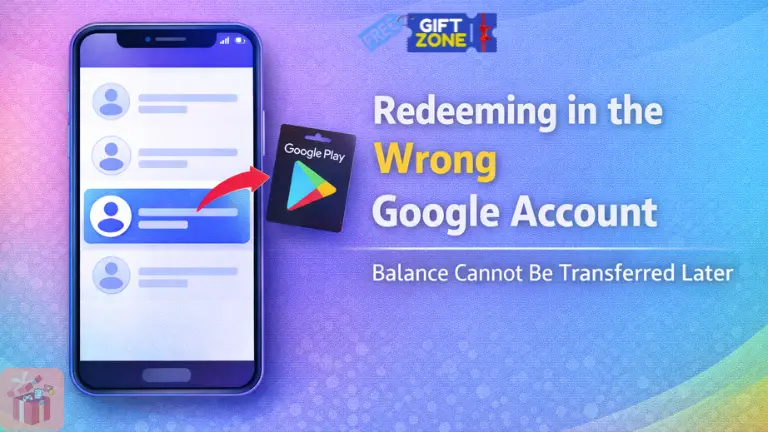
How Multiple Accounts Create Silent Problems
Most users stay signed into more than one Google account across devices. There may be a personal account, a work account, and sometimes an older account still logged in somewhere.
During redemption, it is easy to overlook which account is currently active.
The code may redeem successfully. The balance may be added. Yet it may appear in an unexpected account.
Why Recovery Becomes Difficult
Once balance enters a Google account, it stays there.
Google Play balance does not transfer between accounts. Support teams cannot manually move redeemed credit from one account to another. The system treats redemption as final.
That is why confirming the active account before entering a code is more important than most people expect.
Mistake 3: Treating Gift Cards Like Wallet Money
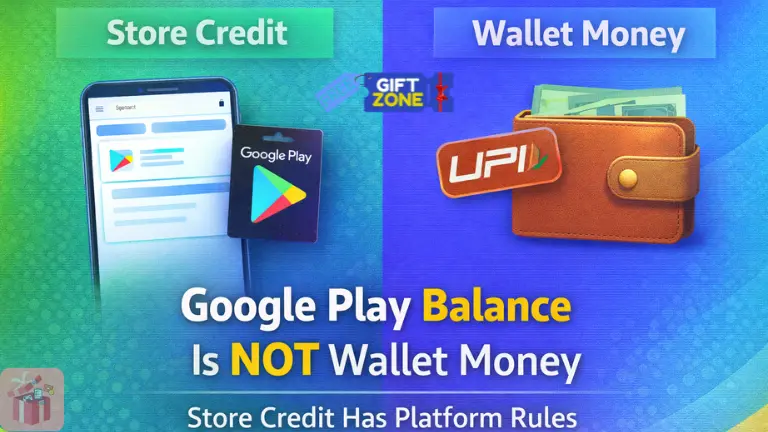
Why This Expectation Causes Frustration
Many people assume Google Play balance works the same way as money in a wallet or UPI account. In a normal wallet system, money can move freely. You can transfer it, withdraw it, or spend it almost anywhere.
Google Play balance does not work that way.
Instead, it functions as store credit restricted to eligible digital content inside the Google Play ecosystem. The balance cannot move outside the platform. It cannot be transferred to another account. It cannot be converted into cash.
When someone redeems a card expecting flexible wallet behavior, disappointment usually follows. The system is not broken. The expectation simply does not match the design.
Mistake 4: Expecting the Balance to Work for Every Item
Why Some Purchases Still Fail
It is possible to have sufficient balance and still see a purchase decline.
That usually surprises people.
Certain apps, subscriptions, or digital publishers apply their own billing restrictions. In some cases, they require a primary payment method on file. In other cases, licensing agreements limit how store credit may be applied.
So even if your balance shows enough value, the purchase attempt may fail because eligibility rules are being checked at the item level.
Balance amount and purchase eligibility are not the same condition.
If you want to understand where digital rewards are heading next, you should explore how platforms are evolving their giveaway models and verification systems.
This detailed guide on The Future of Free Gift Cards and Trends in Digital Rewards explains upcoming reward trends, security shifts, and how digital gift cards may be distributed in the coming years.
Why This Feels Like a Balance Error
From a user perspective, the message often appears during checkout. It is easy to assume the balance is defective or not recognized.
In reality, the system is checking billing compatibility rather than balance quantity. The difference is not always obvious in the interface.
That gap between visible balance and invisible eligibility rules creates confusion.
Mistake 5: Ignoring Account Condition and Prior Activity
How Account History Influences Usage
Google accounts are monitored for unusual behavior patterns, which means past activity can quietly influence how redemption or balance usage behaves later.
An account with repeated failed redemption attempts, rapid switching between regions, or earlier policy issues may face temporary or partial restrictions. In some situations, the balance may still appear visible in the account, yet remain temporarily unusable for certain transactions because the system is applying internal safeguards.
These limits are triggered automatically, not manually.
They exist to reduce fraud and automated misuse across the platform, although from the outside, the restriction can feel sudden or unexplained, especially when there was no warning beforehand.
A lot of reward websites claim to give Google Play gift cards after users complete tasks, surveys, or promotional activities. What most users do not realize is that those codes normally come from distributors and are funded through advertising revenue or partner campaigns. You can understand this process better in our guide on How Platforms Distribute Google Play Gift Cards, where we explain how these platforms obtain and distribute codes.
Why It Feels Unfair
Most enforcement processes are automated. You usually do not receive warnings before a restriction activates. When balance is blocked, or redemption fails, it can appear random.
In practice, the system is responding to behavior patterns rather than individual intent.
Mistake 6: Confusing Promotional Credit with Purchased Value
Why Bonus Credit Behaves Differently
Not all balances inside Google Play behave the same way.
Purchased gift card value and promotional credit may appear together in the same balance view, but they follow different conditions.
Purchased value typically remains available without expiration under normal account conditions. Promotional credit, on the other hand, may carry expiry dates or usage restrictions.
Here is a simple comparison:
| Credit Type | Source | Typical Behavior |
|---|---|---|
| Purchased value | Paid gift card | Usually remains valid until used |
| Promotional credit | Campaign bonus or offer | May expire or restrict usage |
Many complaints about disappearing balance trace back to this distinction. Promotional credit may expire quietly if the terms are not reviewed carefully.
When both types appear together, it becomes easy to assume they operate identically.
To understand how store credit works inside the platform, you should also read our detailed guide on the Google Play payment system and redemption rules.
If you are unsure which value makes more sense for your usage, you should review how different Google Play gift card denominations affect spending flexibility and redemption planning.
Mistake 7: Expecting Instant Refunds After Redemption Issues
Why Failed Redemption Does Not Trigger a Refund
When redemption fails, many people expect the system to automatically issue a refund. That expectation does not match how the process works.
If a redemption attempt fails due to a region mismatch or an account restriction, the card usually remains unused. No value moves into the account, and no money is deducted from a purchase. Since no transaction completes, there is nothing to refund.
Refunds apply after successful purchases, not after unsuccessful redemption attempts.
Why Waiting Periods Feel Confusing
In some cases, the system may show a temporary verification message or delay before allowing another attempt. During that period, nothing appears to change visibly.
It can feel like the card is stuck in a pending state. In reality, the system is simply completing internal checks.
Mistake 8: Repeated Redemption Attempts That Trigger Security Checks
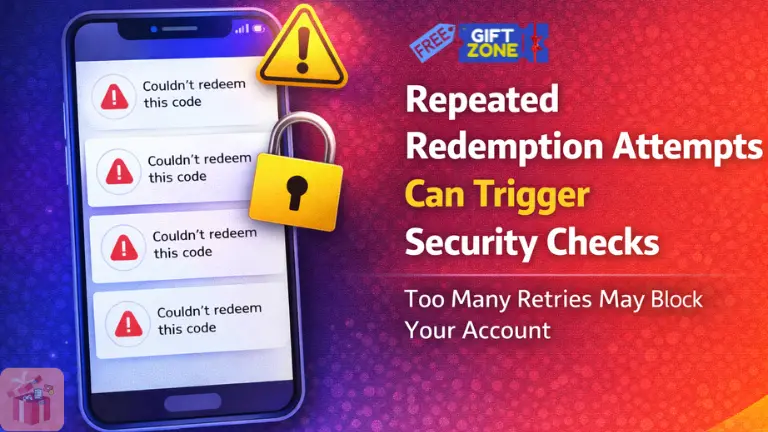
Why Repetition Creates Restrictions
If multiple redemption attempts fail in quick succession, the system may activate temporary restrictions.
Common triggers include:
- Repeated region mismatch attempts
- Rapid retries after failed entries
- Switching accounts during redemption attempts
These patterns resemble automated misuse behavior. The system responds by pausing activity.
This pause is not necessarily a judgment about ownership. It is a protective measure.
What People Misinterpret
When the restriction activates, users often assume the card is defective.
In many cases, the card itself remains valid. The restriction applies to account activity rather than code authenticity.
Repeated attempts during an active restriction window can extend the limitation instead of resolving it.
Mistake 9: Redeeming a Gift Card on a Managed or Restricted Account
Why Managed Accounts Behave Differently
Not all Google accounts operate under identical permissions.
Accounts created under workplace management, school administration, or family supervision may follow additional controls. These controls can restrict redemption or limit how the balance is used.
Even if the code is valid and the region matches, account-level restrictions may block redemption.
To understand how redemption rules work, you should also explore how the Google Play payment ecosystem manages store credit and balance restrictions.
This guide on Google Play Payment Ecosystem and Balance Handling explains how the balance is processed, validated, and applied during purchases.
Why This Feels Unexpected
From a user perspective, a Google account appears uniform across services.
However, managed accounts follow administrator-defined rules. Google Play respects those rules automatically. The system does not override them during redemption.
The restriction exists at the permission level, not at the card level.
Mistake 10: Assuming Redemption Issues Can Be Fixed Instantly
Why Time Matters After Certain Failures
Some redemption failures trigger temporary review processes, especially when the system detects unusual patterns or repeated attempts.
During these periods, the platform may prevent additional redemption attempts while automated checks run quietly in the background. These reviews are not always visible to the user, so from the outside, it can look like nothing is happening.
Immediate resolution is not guaranteed because the system needs time to complete internal verification steps before lifting restrictions.
If repeated redemption attempts are made during this window, the restriction period may extend instead of clearing, since the system interprets rapid retries as continued risk behavior.
What People Commonly Misread
When there is no visible progress indicator, it can feel like nothing is happening.
In reality, internal review systems operate without constant status updates. Silence does not necessarily mean rejection.
How Google Play Detects Redemption Abuse
Google Play monitors behavior patterns rather than isolated actions.
Signals that may trigger review include:
- Frequent region switching
- Multiple account logins during redemption
- Rapid retry behavior after failure
- Repeated mismatched code entries
Most enforcement decisions are automated.
Support teams typically have limited ability to override automated security decisions. That limitation exists because the system prioritizes consistent rule application across millions of accounts.
How to Think About Redemption the Right Way
Most frustration around Google Play gift cards begins with expectation, because redemption is often treated like the final success step. When that mindset stays in place, any restriction feels like the system is failing, even though redemption is really just the first checkpoint inside a controlled platform.
A cleaner way to look at it is to separate the two layers. Redemption grants permission to add balance under Google’s platform rules, while the purchase step checks if that balance is eligible for the item you are trying to buy. That separation sounds small, but it changes how you read errors.
If redemption fails, the system blocks entry due to a condition like region mismatch or account restriction, so the value never reaches the account. If redemption succeeds but a purchase fails, the system usually rejects that item’s billing rules, which means the balance is present but not accepted for that transaction.
Google Play was built as a regulated store environment, not a transferable wallet, so behavior that looks random at first becomes predictable once you treat it like store credit with rules.
A Practical Way to Evaluate Redemption Issues
When something does not work, a short check saves time, because most issues fall into the same few buckets.
- Account region and card region match or not
- Correct Google account active at redemption time?
- The item accepts Google Play balance, or it requires another payment method
If those three look fine, then the problem is usually temporary security checks or account condition history, so repeated retries often make it worse instead of fixing it quickly.
Final Thoughts
A Google Play gift card is rarely faulty by itself, but redemption issues still happen because Google Play applies rules around region, account identity, item eligibility, and security monitoring.
That is why redemption should be seen as a permission step and not as a guarantee that every purchase will go through.
Once expectations match the way the system actually behaves, the same errors stop feeling confusing, and the situation becomes easier to diagnose without panic, clicking the redeem button again and again.
FAQs
Why does my Google Play gift card say invalid even though I just bought it?
In many cases, the card itself is not invalid. The redemption attempt may be failing because your Google account region does not match the country where the card was issued. Google Play checks the account region before adding balance. If the regions do not match, the code remains unused, and no balance is added.
Why can’t I use my Google Play balance for every purchase
Google Play balance works as store credit, not as wallet money. That means it can only be used for eligible digital content inside the Google Play ecosystem.
Some subscriptions or apps may require a primary payment method on file. In other cases, licensing rules may restrict how store credit is applied. Even if you see enough balance in your account, the purchase can fail because item-level eligibility is being checked separately from the balance amount.