Many reward apps talk about real payouts, but of those “MANY”, 90% of users still ask one thing first. Where is the proof of the rewards?
That is why we have created this page to show you the real rewards. This page shows how FreeGiftZone rewards are provided with real proof and how users are getting rewards using their hard-earned points. We will also let you know how our screenshot upload window opens only after a user actually receives the reward.
Why reward proof matters
Many sites show fake payout screenshots or edited reward images. That is why users now look for proper proof instead of one random image.
On FreeGiftZone, proof is easier to understand when you see the full trail. That includes points history, reward request screens, reward received screenshots, and real proofs submitted by real satisfied users.
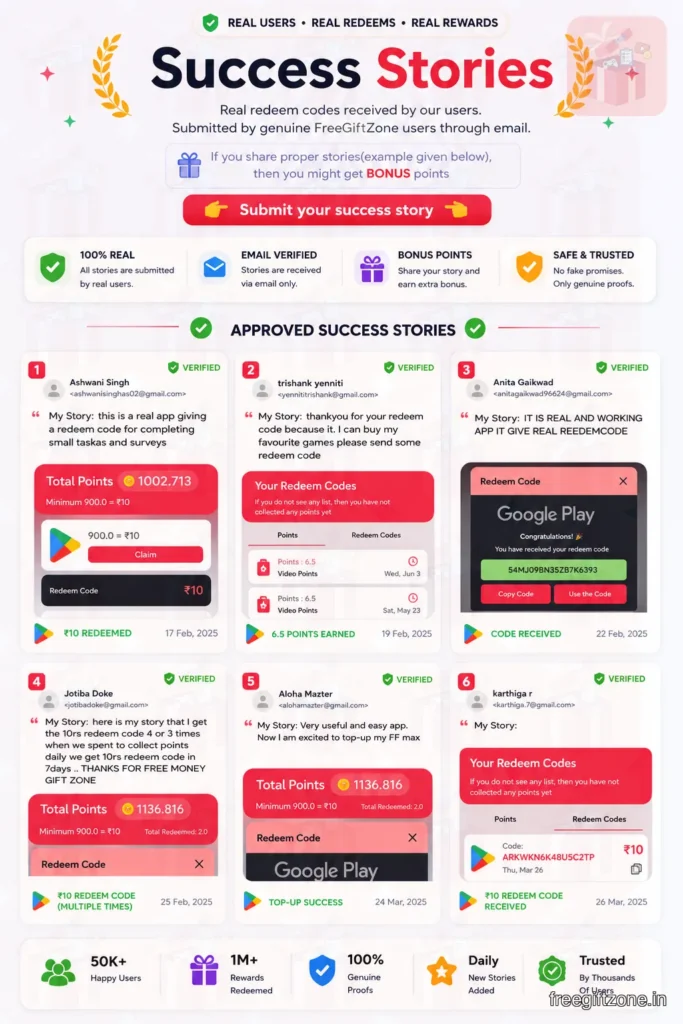
What happens before a reward is released
A reward is not sent instantly or at the moment when a task is completed. Instead, the user first collects points using various options and activities listed in the app.
Once the points are collected, they get the required coins assigned to that particular task. If an activity is incomplete, duplicated, or fails verification, those points may not remain in the final balance.
Once the account is eligible, the user can send a reward request. That request then moves into review.
How FreeGiftZone reward requests work
The process is simple to understand when you see it stage by stage.
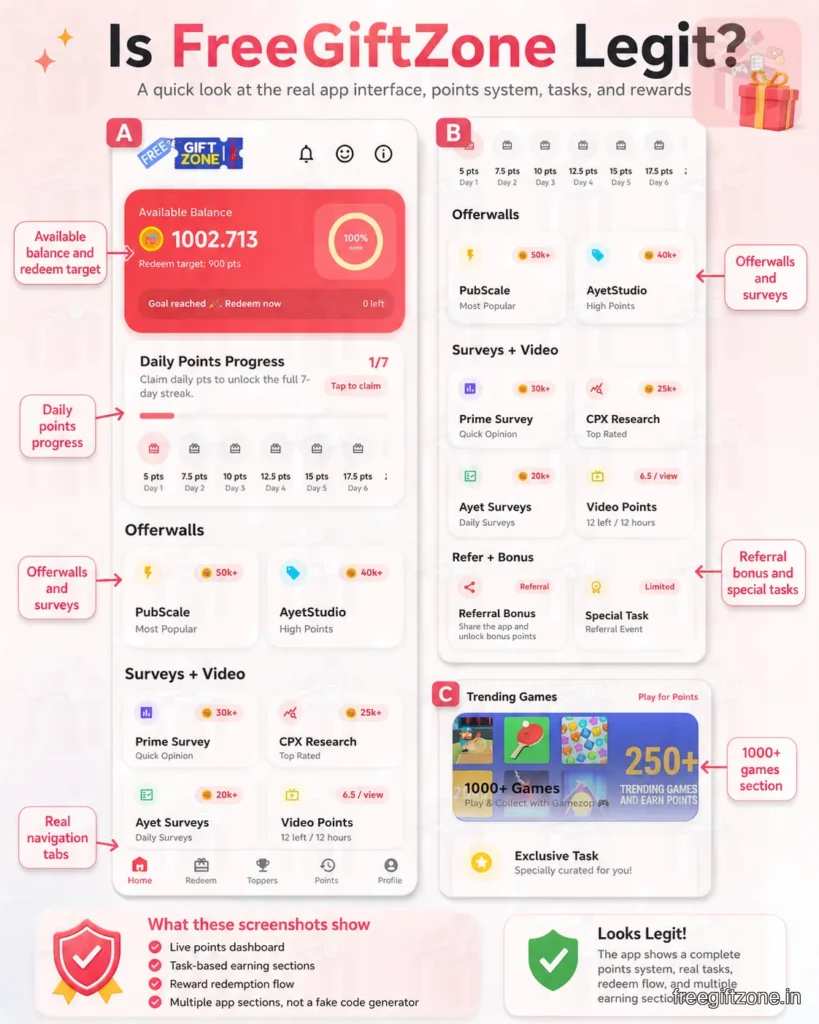
| Stage | What Happens |
|---|---|
| Collect Points | User completes activities |
| Validation | Points are checked |
| Reward Request | User chooses a reward |
| Review | Request enters the queue |
| Release | The reward is sent |
| Proof Upload | The screenshot upload window opens only after the reward is received |
This last step is very important because we don’t allow the screenshot upload option to be opened before reward delivery. This reduces scams and makes the proof section more genuine.
Real examples from the platform
Reward redemption screen
This screen appears when a user is ready to request a reward. It helps connect point earning with the actual reward request.
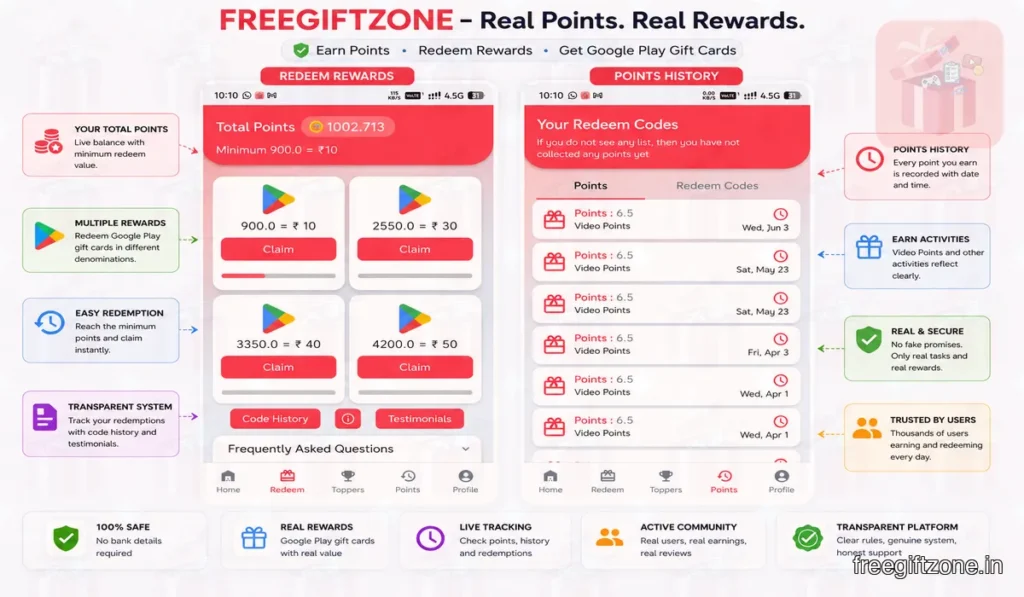
Points history section
This section shows how points were added to the account. It helps users check activity before the reward request stage.
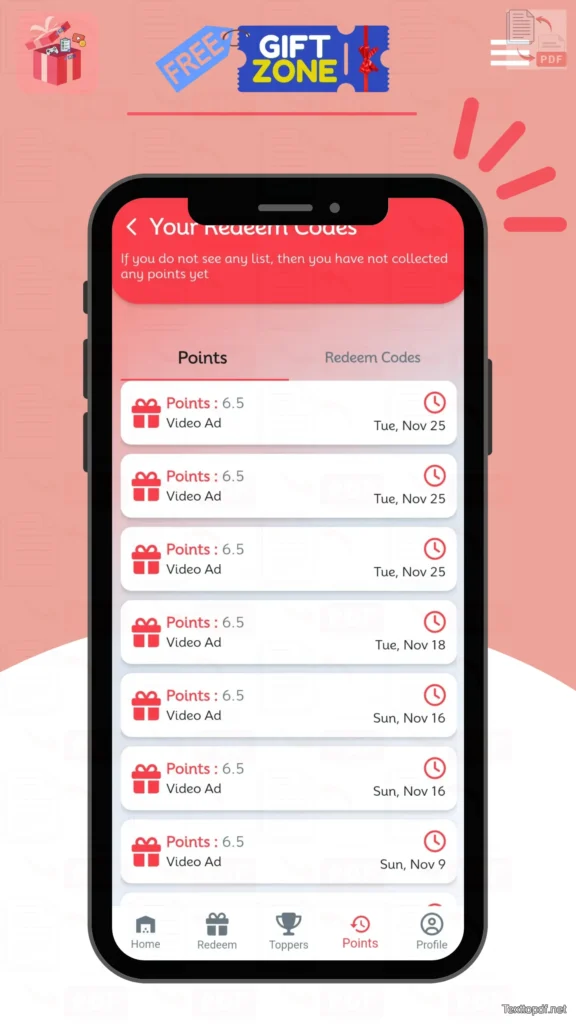
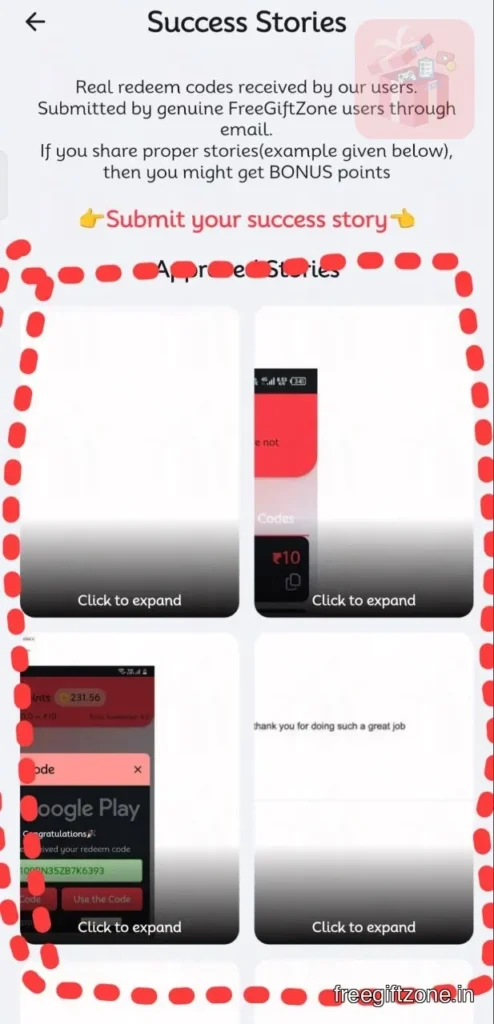
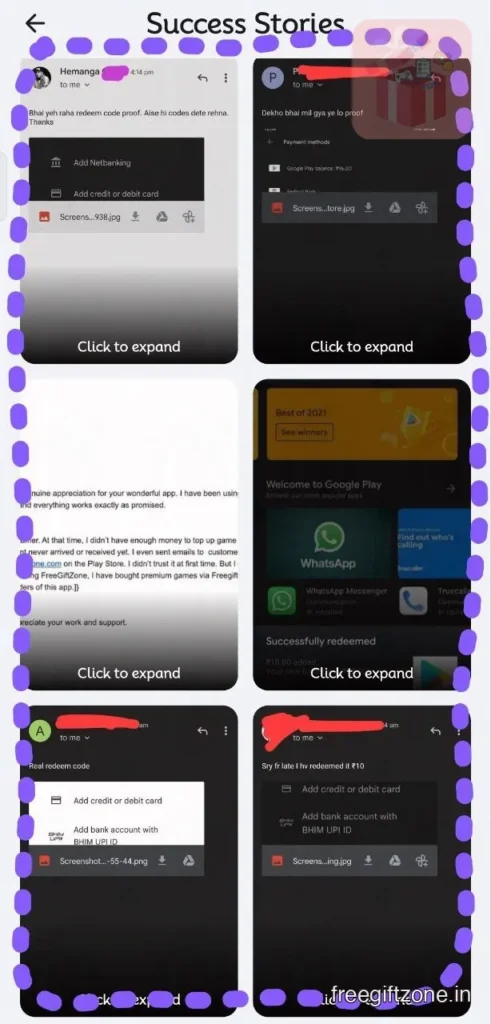
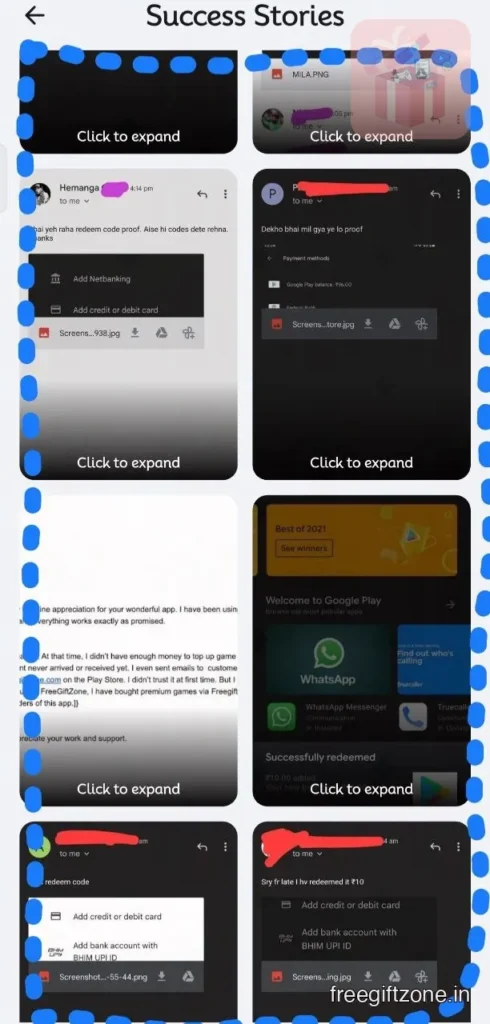
Success stories section
This section includes user messages, emails, or screenshots shared after rewards are received. It adds another layer of visible proof.
Reward received screenshots
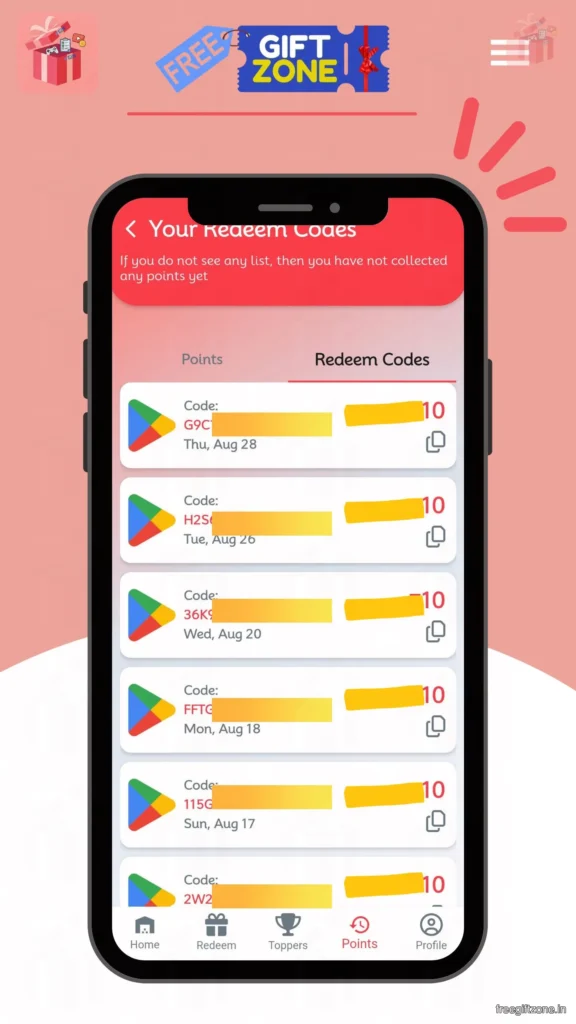
These screenshots show the final reward after release. Google Play reward screenshots are especially useful here because many users come for that reward type.
Why do some rewards take longer?
Not every reward request moves at the same speed. Some rewards take more time than others because of stock availability, queue load, verification, or account review.
A delay does not always mean a problem. Sometimes the request is still moving through the normal review process.
You can check the available redeem code denominations:
- Rs.10 Free Google Play Redeem Codes
- Rs.100 Google Redeem Codes
- Rs. 50 Google Play Redeem Code
- Rs. 800 Free Play Store Redeem Codes
Why do some tasks not credit points
Some tasks do not become valid even if they look completed from the user’s side. This usually happens when the required action was not completed properly, or the system could not verify it.
| Reason | Result |
|---|---|
| Incomplete activity | No points |
| Failed verification | No credit |
| Duplicate completion | Rejected |
| Invalid behaviour | Removed |
How FreeGiftZone prevents fake activity
The platform uses checks before a reward is released.
- Activity validation
- Reward request checks
- Duplicate detection
- Account review systems
These checks help keep the reward process clean. They also make the proof section more reliable.
Where users can view their reward history
Users can review points history, reward history, redemption records, and account activity. These sections help users to understand properly and clearly what has happened before and after a reward request.
What to do if a reward is delayed
The first step is to wait for the review window. After that, check reward status, points history, and task completion details.
If everything looks correct and the reward is still delayed, the next step is to contact support.
Reward proof gallery
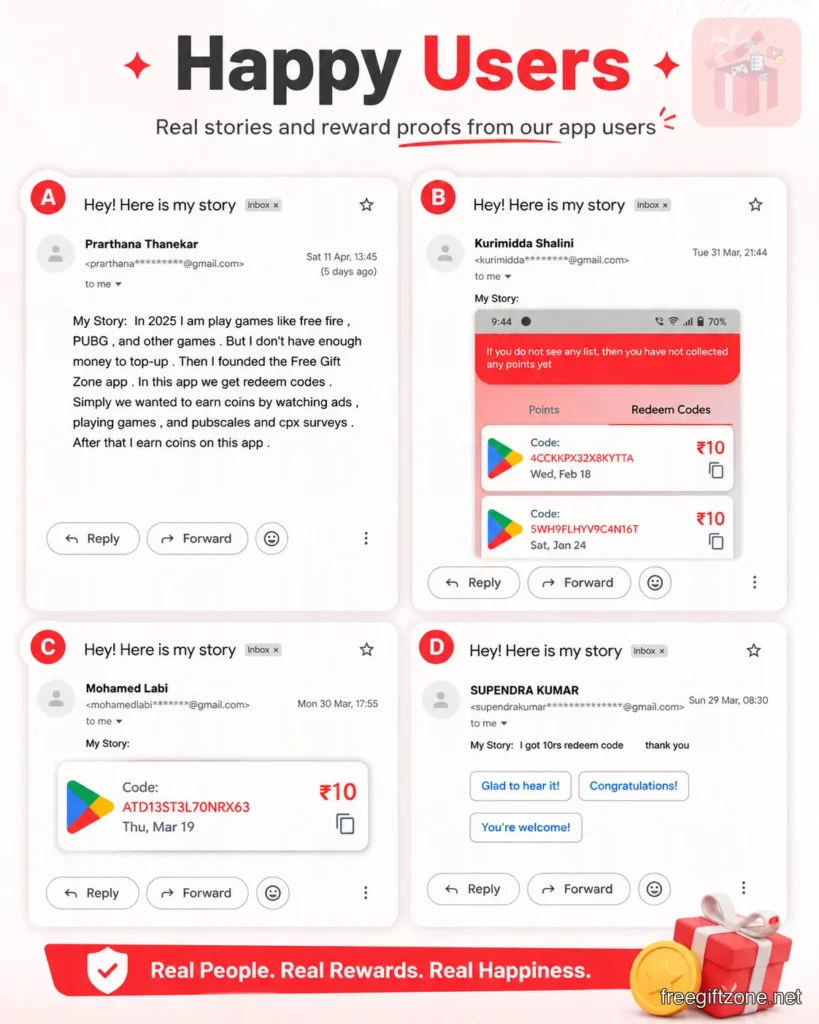
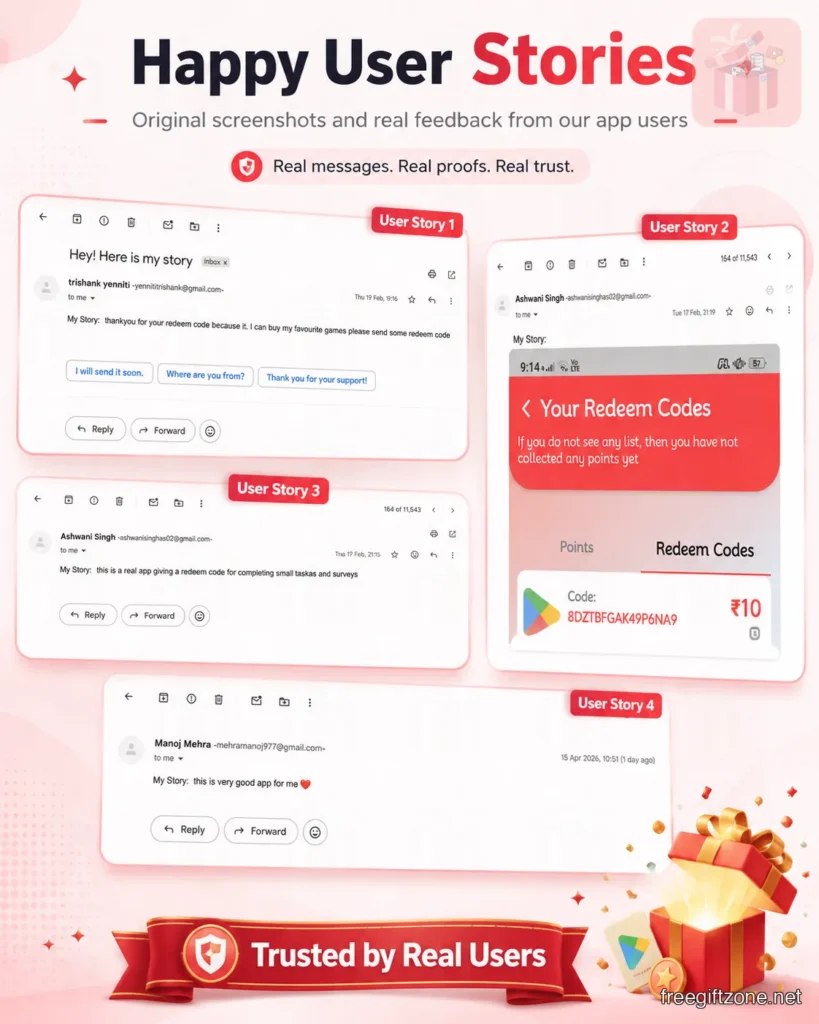
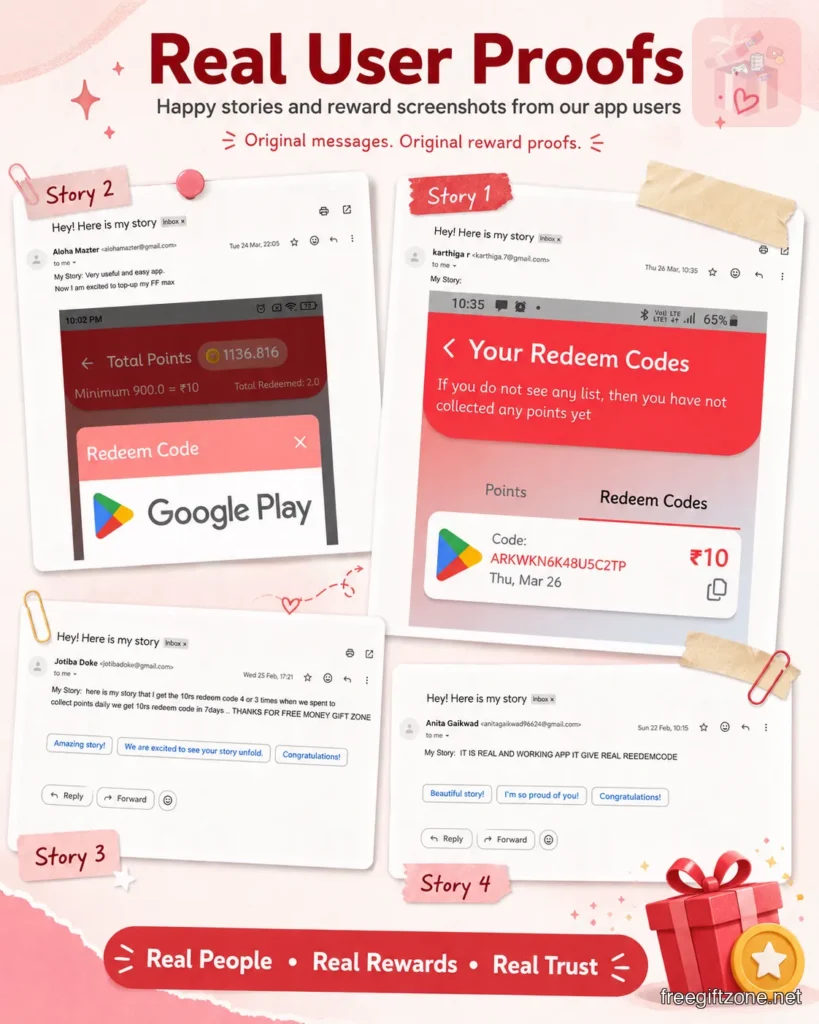
Here are some proofs sent by our satisfied users who are getting free rewards regularly. These are screenshots shared by users after they received their rewards, which gives clearer proof that the reward was actually delivered.
How to Share Google Play Reward Proof Safely Online
If you want to share a Google Play reward screenshot outside FreeGiftZone, first hide any personal details, email address, transaction information, or redeem code visible in the image. When a website, forum, or support chat works better with links than image attachments, you can use an image to link converter such as Media2URL to turn the screenshot into a shareable URL.
Only share the part of the screenshot needed as proof. A reward code or other private information should never be made public because someone else may be able to use it.
Final answer
FreeGiftZone works like a genuine rewards app rather than a random claim tool. When you open the app and go through the home screen, earning sections, points history, reward page, leaderboard area, and user proof sections, the workflow becomes much easier to understand smoothly.
The app gives users more than one way to earn points, which makes daily use less narrow than some smaller rewards apps. The point history section helps explain what happened after task completion, and the redemption section makes the reward path very simple and easy to follow once the account is eligible.
The app also has limits that users should understand before using it heavily. The points adding process can take some time, some tasks may fail, and reward requests do not bypass checking just because a user pressed the claim button. And after the user has got a reward, the success story option is opened, where they can upload their proofs and help others to believe in the ecosystem