Google Play gift cards look very direct on the surface, but confusion starts when you move from the code to the balance and then to real payments.
Many users think both things behave the same in every case, although that is not how the system works. The main issue is that people mix gift card codes, Play balance, and cash style thinking, due to which wrong expectations get created.
This guide explains how usage really works, what people misunderstand, and how to see the difference calmly without stress or fear of mistakes.
How Google Play Gift Cards and Balance Get Used in Real Purchases
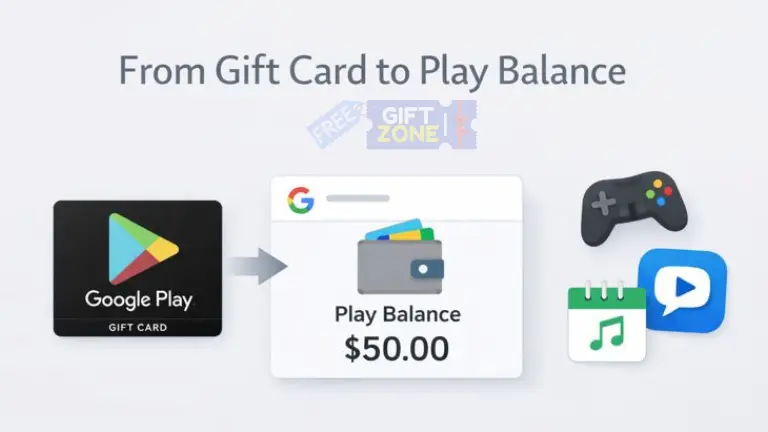
Google Play gift cards act as prepaid value for the Play ecosystem only. Once the code is redeemed, the value moves into your Google Play balance and stays there until you spend it.
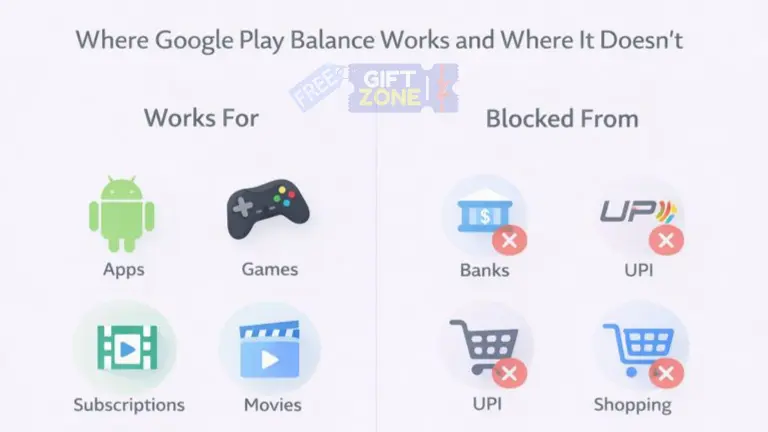
Where Google Play Balance Actually Works
The Play balance works only inside Google Play supported products. This means purchases stay limited to apps, digital content, and services listed on the Play Store.
Common real usage areas include:
- Paid Android apps like Nova Launcher or Tasker
- In-app items in games like BGMI or Clash of Clans
- Monthly subscriptions, such as YouTube Premium
- Movies, rentals, or books listed inside Google Play Movies and Books
The thing is that Google Play balance behaves like store credit. It stays locked to your Google account and only works inside approved payment flows.
How a Real Purchase Happens Step by Step
The purchase flow stays almost invisible once the balance is present.
- You select an app, game item, or subscription.
- The payment screen shows the Google Play balance automatically if enough value exists.
- You confirm the payment, and the balance reduces instantly.
You do not enter card numbers again, and you do not approve any bank request, because the balance already sits inside your account.
Common Misconceptions People Believe About Google Play Balance
Many problems start due to assumptions. These assumptions usually come from social media posts, Telegram groups, or half information shared by friends.
Balance Transfer to Another Account
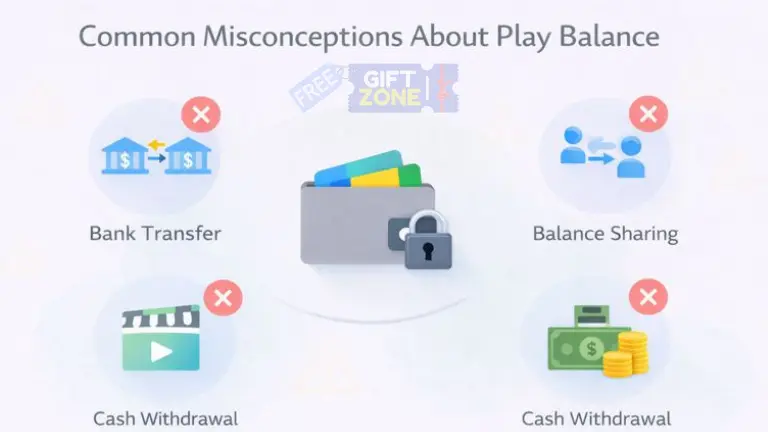
Many users think that balance transfer between accounts is possible, although it is not like that. Google Play balance stays tied to the Google account where the code was redeemed.
You cannot send balance to another Gmail ID, and you cannot merge two balances into one account. That’s why redeeming a code on the correct account matters a lot.
Cash Withdrawal or Bank Transfer
Another strong misconception is about withdrawing balance to a bank or wallet. Google Play balance does not work like UPI or Paytm money.
- No withdrawal from the bank account
- No transfer to UPI apps
- No conversion to cash
That’s because gift cards are prepaid store value, not digital currency.
Instant Refund Means Cash Back
Sometimes refunds create confusion. If you refund an app or subscription, the amount goes back to your Google Play balance, not to your bank or card.
The refund stays usable only for Play purchases. It does not change into cash at any point.
Gift Card Code vs Google Play Balance Explained Calmly
People mix these two terms daily, although they represent different stages of the same system.
What a Google Play Gift Card Code Means
A gift card code is just a key. It carries value but cannot make payments directly.
- The code stays unused until redemption.
- The code can be redeemed only once.
- The code does nothing without a Google account.
Until redemption, the value does not belong to any account.
What Google Play Balance Means
Google Play balance is the final usable form.
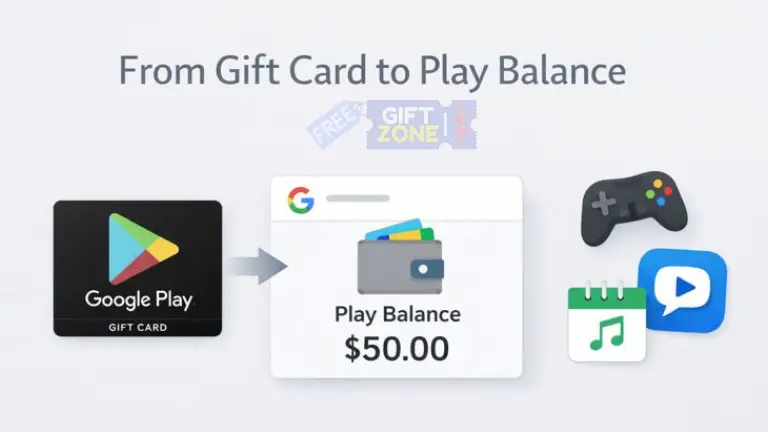
- The balance appears after redemption.
- The balance pays for apps and content.
- The balance cannot move out of Google Play.
You can think of it like recharge credit inside a closed system.
| Aspect | Gift Card Code | Google Play Balance |
|---|---|---|
| Usability | Cannot pay directly | Pays for Play content |
| Transfer | Can be shared before redeem | Cannot be transferred |
| Refund form | Not applicable | Refunds return here |
| Cash option | Not possible | Not possible |
The point is simple here. The code is entry, and the balance is usage.
Practical Examples That Clear Most Doubts
Examples make things clearer than theory.
Example 1: Buying a Paid App
You redeem a ₹500 gift card on your Gmail, and later you buy a ₹120 app from the Play Store.
- Payment uses Google Play balance.
- The remaining balance is ₹380.
- No card or UPI is involved.
Example 2: In-App Purchase Inside a Game
You play Free Fire and buy diamonds worth ₹399.
- Balance deducts instantly.
- Purchase stays permanent in the game account.
- No external payment record exists.
Example 3: Monthly Subscription
You start a Google One subscription using balance.
- Monthly charges are cut from the balance.
- If the balance finishes, Google asks for another payment method.
- Subscription pauses if payment fails.
This may confuse you initially, but once seen practically, it becomes very clear.
What Google Play Balance Cannot Do
Clarity also comes from knowing limits.
- No shopping on Amazon or Flipkart
- No mobile recharge outside the Play Store
- No transfer to friends or family
- No resale or exchange officially
These limits exist to protect the Play payment system from misuse.
FAQs About Google Play Gift Cards and Balance
Can a Google Play balance expire after redemption?
Google Play balance does not expire quickly, although regional rules apply. In India, the balance usually stays active for a long time if the account remains active. That’s why checking account activity matters more than rushing to spend.
Can one account hold many gift cards together?
One Google account can hold balances from many gift cards. Each redemption adds value to the same balance pool. The order of usage follows the oldest balance first.
Why balance sometimes not show during payment
Sometimes the app or service does not support gift card payments. In such cases, the balance stays hidden on the payment screen. This is normal behavior and not a technical issue.
Can balance be used on family group purchases?
Family group sharing does not share the Play balance. Each member uses their own balance only. That’s why redeeming codes on the family manager account does not help others.
Final Thoughts on Usage and Misconceptions
Google Play gift cards work smoothly when you treat them as prepaid store credit and nothing else. Problems start when people expect banking features from a system built for digital content purchases only.
Once you understand the journey from code to balance and then to real usage, confusion drops automatically. A calm approach saves money, time, and unnecessary panic caused by wrong expectations.